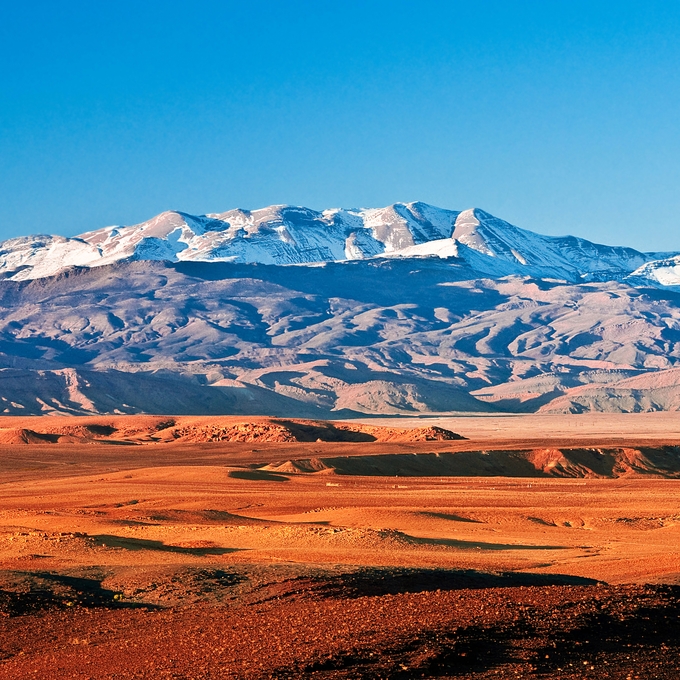
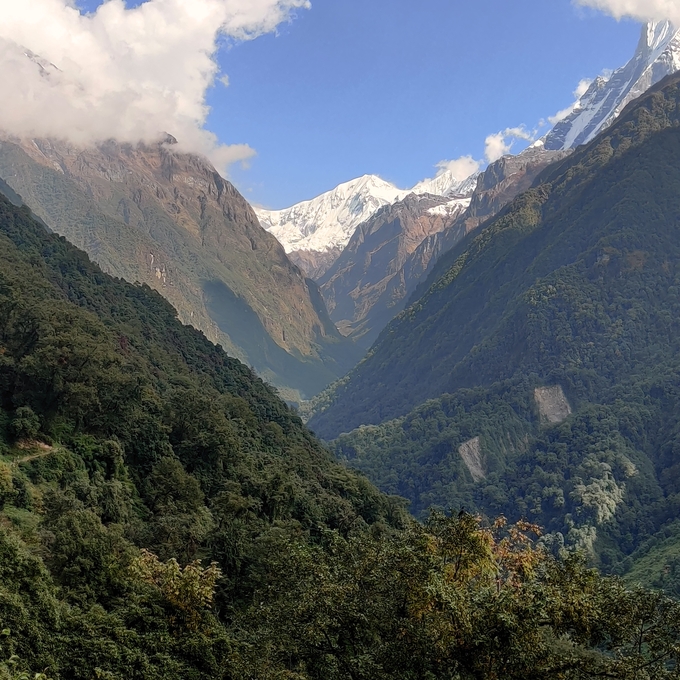
Atlas mountains (Shutterstock)
This is a trip I have been thinking about for a while. But I didn’t just want to drive to an airport and fly to Morocco. I wanted to use my favourite transport mode - my beloved motorcycle. And the KTM Super Adventure is well up for the task.
I have only made a very approximate plan of my route but it would basically look something like this: ride to Folkestone, Channel Tunnel to Calais, then ride through France but not planning to stop much.
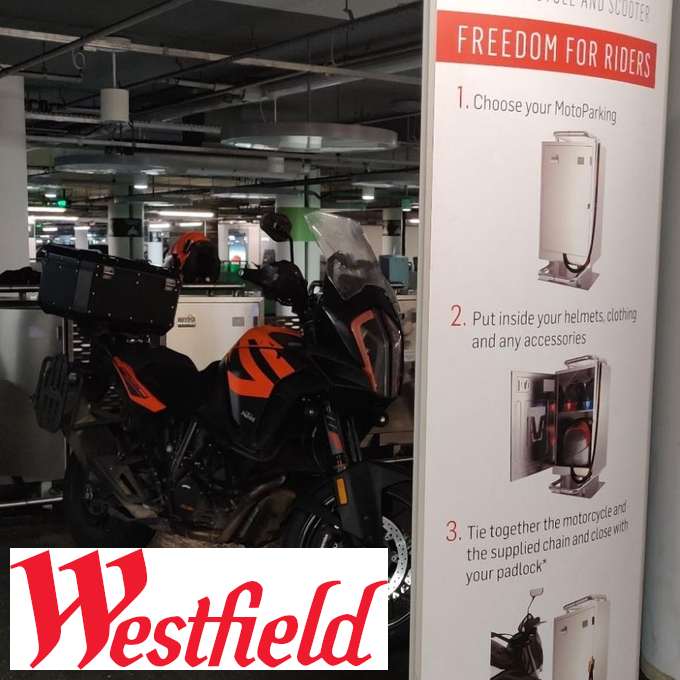
Westfield London (Shepherds Bush) Every so often I do need to get to London but I have been warned by other motorcycle riders to be VERY careful when riding in the big smoke. They can quite easily pinch your bike when you are on it. Now a few years ago I found parking at the Westfield shopping centre car park very handy and relatively cheap when using a car. But did you know you could park your motorcycle there as well?
I sat there on a warm sunny Tuesday, early afternoon, and my examiner just left. I sat there holding a card. A card that said
Congratulations on becoming an IAM RoadSmart Master.
In their own words this is the “highest UK civilian riding standard”. Quite an honour.
How did I get here?
Me on a bike between Bromyard and Worcester (Biker Pics)
It started in 2019 when I decided to join the IAM and the local riding group.
Caught the airport shuttle from the hotel which actually turned out be my first trip in an electric car. Weird considering where I was. The flight to Doha, Qatar and then to London, Heathrow was boring and uneventful. My bug that I had a few days ago made a comeback though and by the time I arrived at the hotel at Heathrow T4 I was pretty much feeling it again.
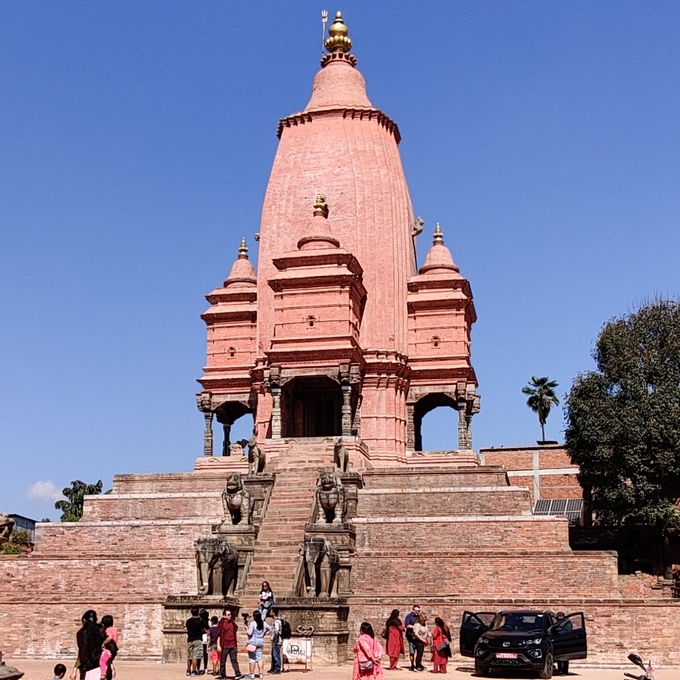
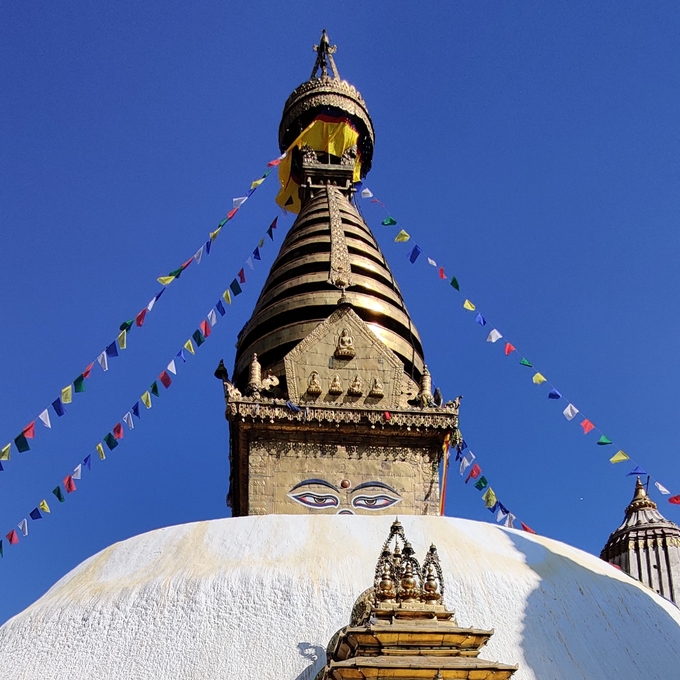
Yesterday was spent visiting the local temple in Kathmandu called Swayambhu or Monkey temple in English. Today I decided to venture out further. A friend recommended I see this ancient city with some wonderful architecture. The place is called Bhaktapur and it is about 20-30 min out of Kathmandu. I ordered a proper taxi this time. Even with Kathmandu temperatures at about 25°C it was pretty chilly on the bike the previous day when it was warmer.
Had a rather chaotic return to Kathmandu as I had to find a taxi and as I came out the domestic terminal there was not much of accommodation for foreigners. I do advise to anyone else to get themselves a local SIM card with data install taxi apps and use them to order one as you will get much better prices and less of a hassle with haggling. Headed back to the original hotel we had our meeting at just to pick up some of my luggage I left there.
Old Pokhara airport
To my relief I was starting to feel better in the morning. See my post from Trek: Day 11 of 11 on what happened the day before.
Popping paracetamol down my throat every few hours did probably help as well.
Got a cappuccino and a croissant from the local cafe called am:pm. After that went on a short walk but ever minding not to move far away from the hotel.
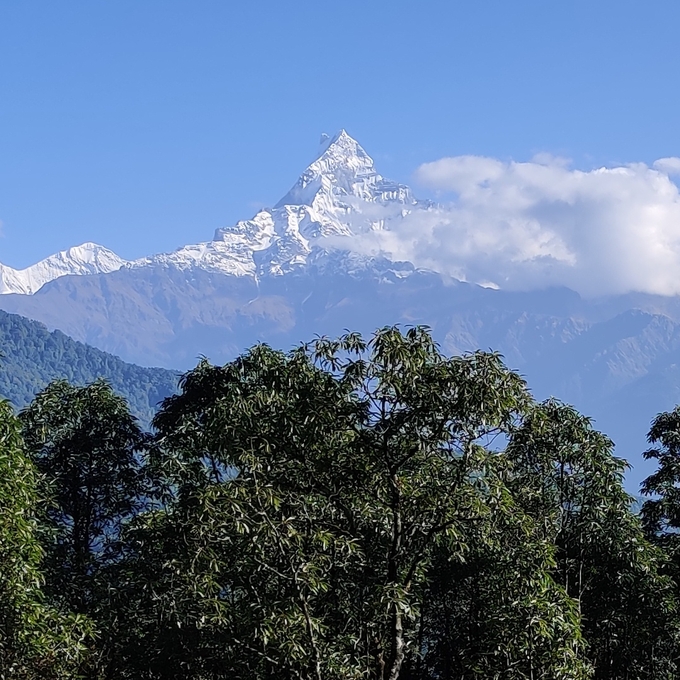
Machhapuchhare
Hike start: Pothana (2,000 m)
Hike end: Phedi (1,160 m)
Length: 7.34 km
Ascent: 10 m
Descent: 810 m
Started to feel much rougher during the night and by the morning I was feeling quite fluishy ill. Sore throat, feverish, sore joints. Felt rubbish. Now the plan was “only” for a three hour hike but that seemed an impossible task in the morning. I had to skip breakfast as I was not feeling ok to eat.
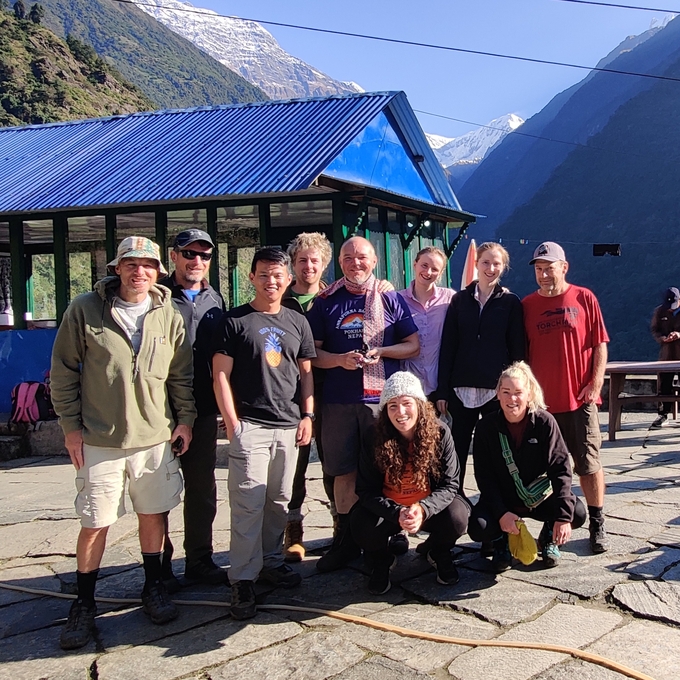
This happened to be my birthday for which I did intentionally plan this trip. Wanted to celebrate my 50th doing something unusual, thrilling and challenging. Spending with this lovely bunch of people was just such a big bonus. Sadly this was also a day three of our fellow hikers left the group as they had to get to Pokhara a bit sooner. There was a road nearby and a 4x4 was able to pick them up and drive them to Pokhara 2.5h away.
Uneventful hike. We all just wanted to get down as soon as possible. Stayed at a place called Jhinu Danda which is near an intersection of three valleys. The one thing we were looking forward to see was the Jhinu Danda hot springs.